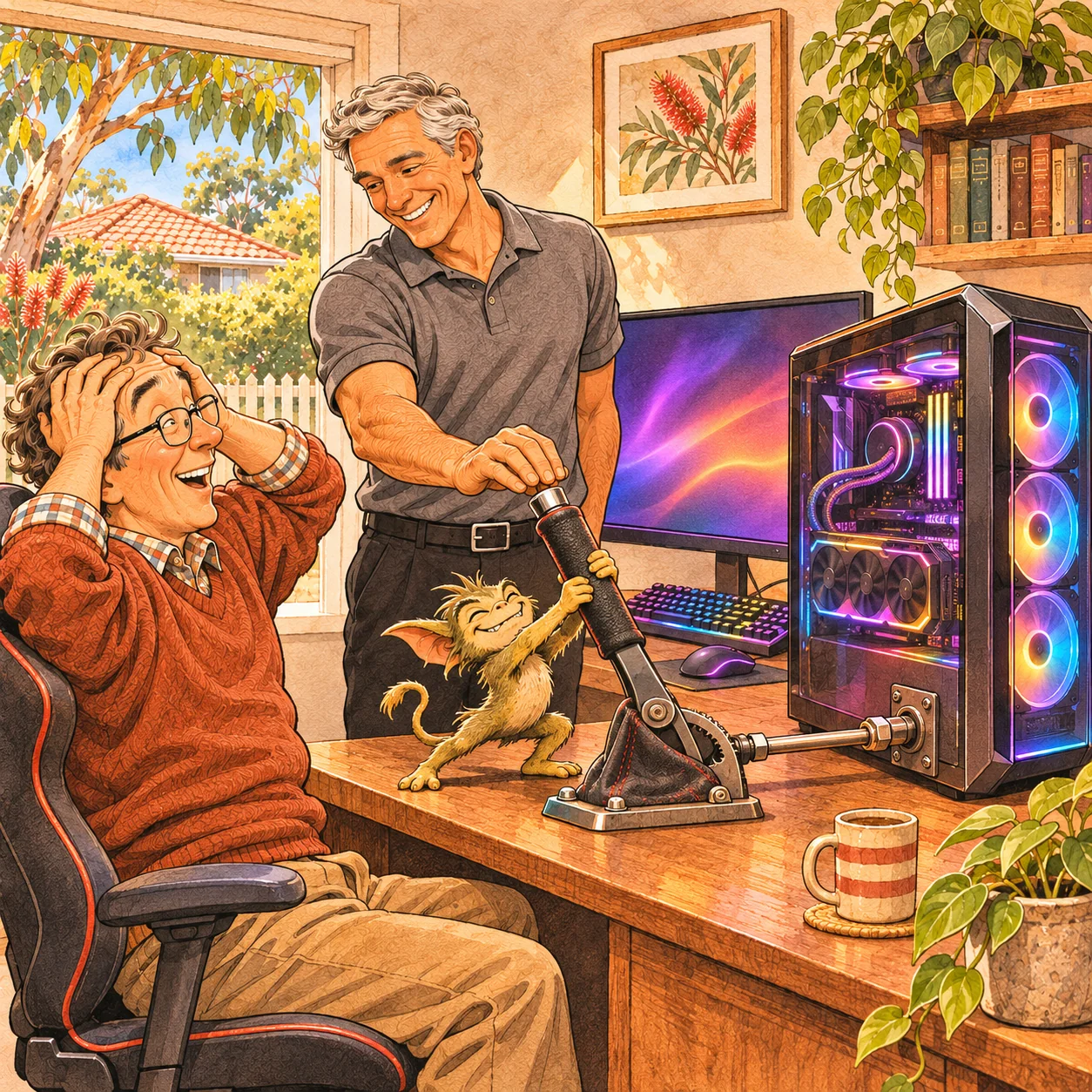
An impressive graphics card, fast memory and plenty of coloured lights don’t necessarily mean a gaming PC is delivering everything it should. Sometimes, the hardware is there—but a few overlooked settings are holding it back.
It’s a bit like driving with the handbrake on.
During computer repair visits, I look beyond the immediate fault for setup details that might have been missed. These can affect home-built computers, second-hand systems and professionally assembled PCs alike.
Memory settings
Memory settings are one example. Performance RAM can remain at its default speed when its XMP or EXPO profile hasn’t been configured. I check compatibility and stability before deciding whether a performance profile is appropriate.
Monitor refresh rate
The monitor matters too. A high-refresh gaming screen may be configured to use a lower refresh rate. Checking the display settings helps ensure you’re using the supported refresh rate you intended. That affects how smoothly motion is displayed; it doesn’t increase the computer’s rendering performance.
Drivers, software and cooling
I also check graphics and chipset drivers, unnecessary startup programs, unwanted software, temperatures and cooling. The aim is to identify worthwhile changes and test the result, rather than apply a collection of tweaks and assume they helped.
Sometimes, better setup is all that’s needed. Other times, testing shows that a component upgrade would be worthwhile—or that the computer is already performing as expected.
Check before you upgrade
Before spending money on more hardware, find out how your existing PC is running.
Davids Computer Repairs provides mobile computer repairs and gaming PC setup checks across Brisbane, Logan and Ipswich. Have an experienced technician come to you and check whether your PC is giving you its best.