Blue Screen evidence
- What it does
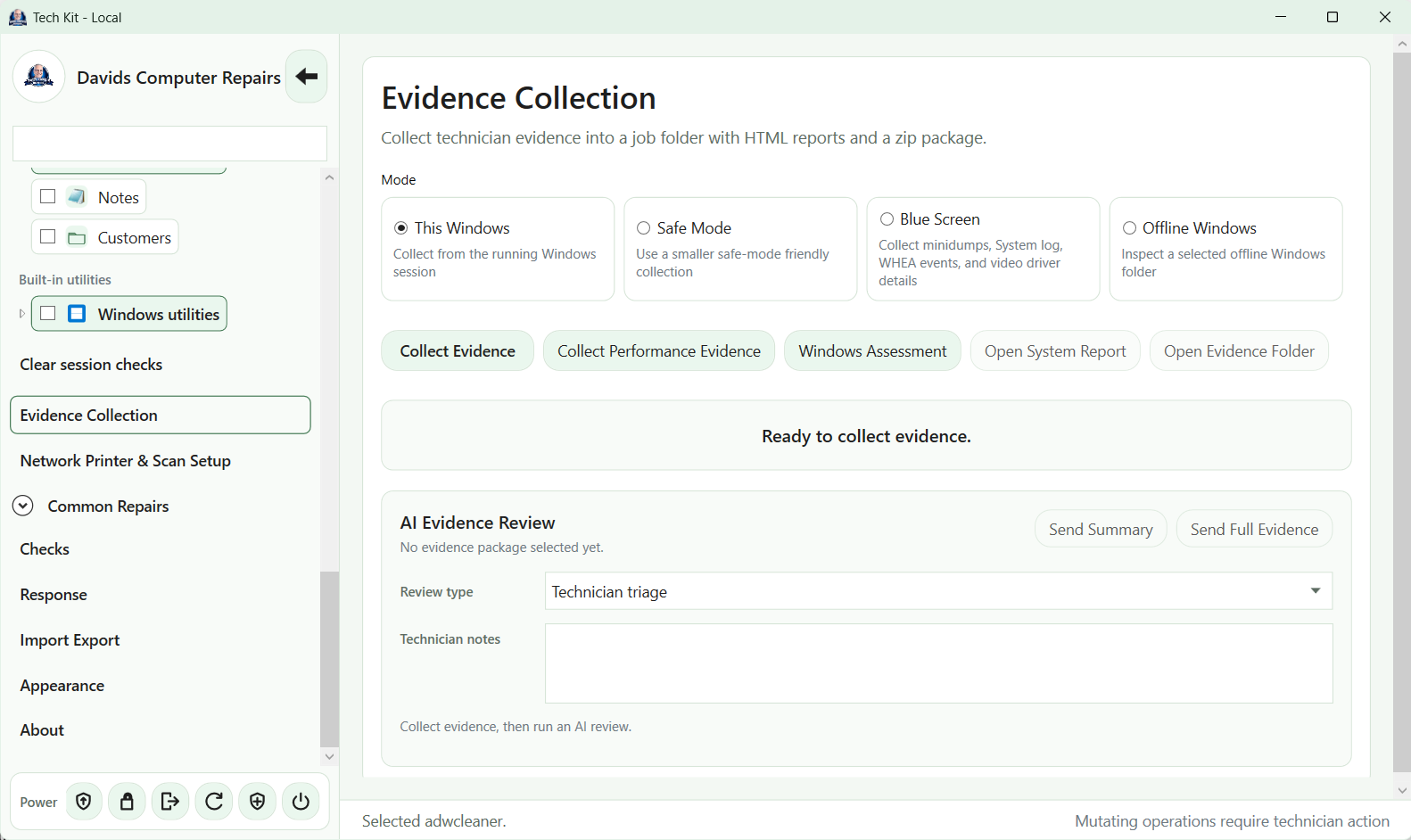
- Gather minidumps, LiveKernelReports, recent Windows Error Reporting folders, crash configuration, System event log, selected WHEA/bugcheck events and video-driver details, with an HTML summary.
- Requirements or limitations
- Does not debug dump stacks or prove a faulty driver. Top-level MEMORY.DMP copying is not implemented. Collections can be large and contain sensitive memory/application data; a separate debugger is needed for binary dump analysis.
Offline Windows evidence
- What it does
- Inspect a selected accessible Windows installation: target/host identity, disks, reset/rollback/servicing artifacts, setup-log inventory/failure clues, accessible boot/BCD information, target-in-use checks, system-file metadata, profile/startup folders, event-log inventory, drivers, hosts and recovery files.
- Requirements or limitations
- Requires a compatible running Windows host and an already accessible target. Does not unlock BitLocker, mount hidden partitions, load offline registry hives, parse all offline events or repair the target. Missing/unmounted BCD evidence is not proof of boot corruption.
Target-aware inspection reports
- What it does
- Distinguish the technician's running OS from a selected Windows target and show paging/temp/storage-use cautions before separate servicing work.
- Requirements or limitations
- Not a forensic write blocker or proof that a target is unused. TechKit does not build a bootable recovery USB or establish support inside stock WinPE/WinRE.